Search This Blog

Showing posts with label Blogging. Show all posts

How to optimize Blogger Sitemap & Robots.txt for Better SEO & Indexing

1.    Introduction

A sitemap is an important part for any website which is used by search engine optimization (SEO) which helps search engines like Google, Bing etc, to efficiently index the website's content. Blogger provides us with an automatic sitemap, but customizing your robots.txt file allows you to control how search engines crawl and index your blog. By configuring these settings, you can improve your site's visibility, prevent duplicate content issues, and optimize performance.
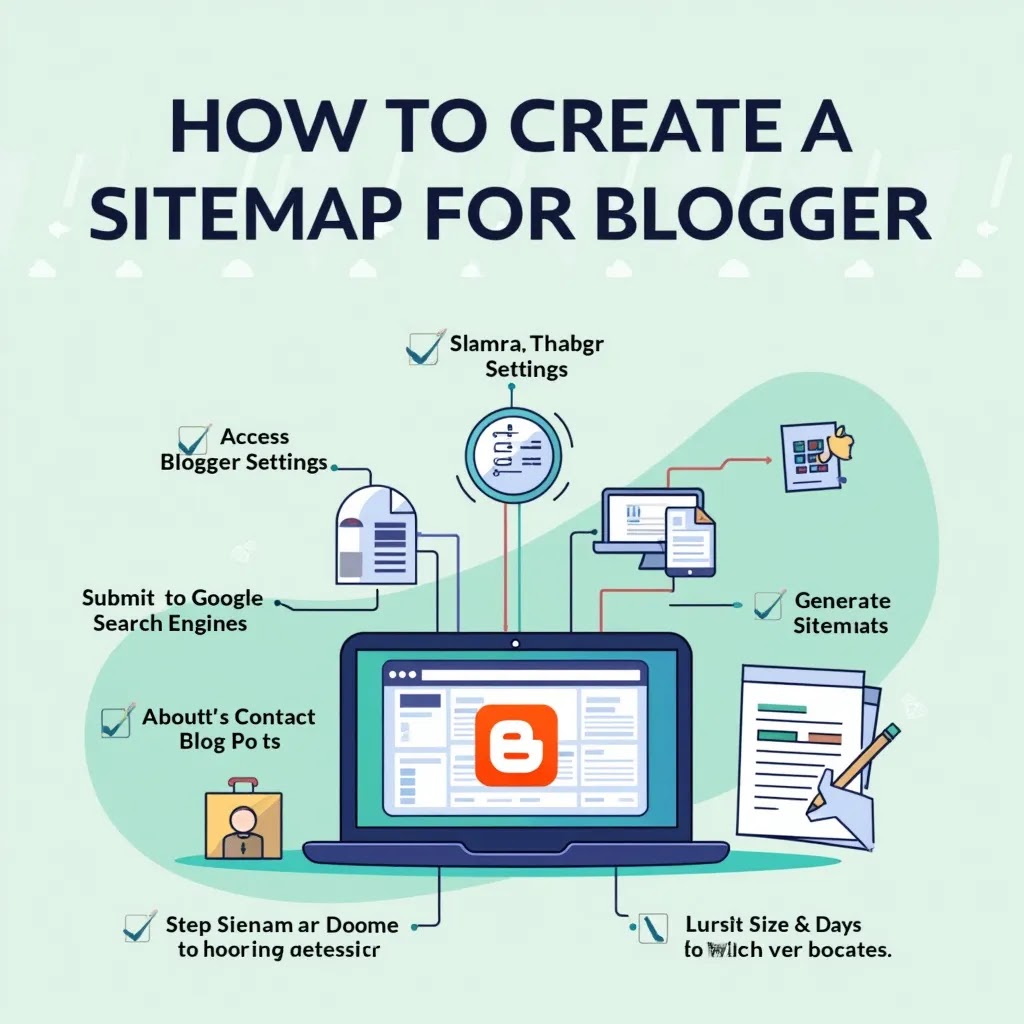
How to Create a Sitemap for Blogger


2.    Methods

2.1.        Method 1: Using Blogger’s Automatic Sitemap

Blogger automatically generates a basic sitemap that helps search engines index your content. You can access it using these URLs:

        For posts sitemap: https://yourblog.blogspot.com/sitemap.xml

        For pages sitemap: https://yourblog.blogspot.com/sitemap-pages.xml

Replace yourblog.blogspot.com with your blog's actual URL.

2.2.        Method 2: Create a Custom Sitemap

If you want to generate a more comprehensive sitemap that includes both posts and pages, follow these steps:

2.2.1.                        Go to Blogger Dashboard

        Sign in to your Blogger account.

        Select the blog for which you want to create a sitemap.

2.2.2.                        Navigate to Settings

        In the Blogger dashboard, click on Settings from the left sidebar.

2.2.3.                        Enable Custom Robots.txt

        Scroll down to the Crawlers and indexing section.

        Enable Custom robots.txt by switching the toggle on.

2.2.4.                        Add a Custom Sitemap

        Click on Custom robots.txt and paste the following code:


User-agent: *

Disallow: /search

Allow: /

Sitemap: https://yourblog.blogspot.com/sitemap.xml

Sitemap: https://yourblog.blogspot.com/sitemap-pages.xml


Replace yourblog.blogspot.com with your blog's URL.

2.2.5.                        Save the Settings

This will ensure that both your blog posts and pages are indexed by search engines, improving your website's SEO.

2.3.        Advanced Custom Robots.txt Settings

To further optimize your Blogger site, you can customize the robots.txt file with additional rules.

2.3.1.                        Block Specific Pages from Indexing

If you don’t want certain pages (e.g., example-page) to be indexed, add:

User-agent: *

Disallow: /p/example-page.html

Allow: /


2.3.2.                        Block Search Pages from Indexing

Prevent Blogger's search pages (?q=search-term) from being indexed to avoid duplicate content:

User-agent: *

Disallow: /search

Allow: /


2.3.3.                        Allow Googlebot but Block Other Bots

You can allow Googlebot while blocking others like Bingbot or AhrefsBot:

User-agent: Googlebot

Allow: /


User-agent: AhrefsBot

Disallow: /


User-agent: Bingbot

Disallow: /


2.3.4.                        Delay Crawling for Specific Bots

If you want to slow down how often bots crawl your site, use Crawl-delay:

User-agent: *

Crawl-delay: 10


(Note: Google doesn’t follow Crawl-delay, but other search engines might.)

2.3.5.                        Final Custom Robots.txt Example (All Rules Combined)

Here’s a fully optimized version of robots.txt with all settings applied:

User-agent: Googlebot

Allow: /


User-agent: AhrefsBot

Disallow: /


User-agent: Bingbot

Disallow: /


User-agent: *

Disallow: /search

Disallow: /p/example-page.html

Allow: /

Crawl-delay: 10


Sitemap: https://yourblog.blogspot.com/sitemap.xml

Sitemap: https://yourblog.blogspot.com/sitemap-pages.xml


2.4.        Conclusion

By having the right settings for your Blogger sitemap and customizing the robots.txt file, you can improve search engine indexing, avoid duplicate content issues, and control how different bots access your site. So, implement these settings based on your SEO needs!


How to Earn from Blogspot : AdSense, Affiliate Marketing, and Sponsored Content

How Revenue sharing works on platforms like Blogspot?

This process used to be about placing ads, affiliate marketing, or sponsored content. Now, Blogspot, which is under Google Blogger, integrates these aspects. Here is a simple process:

The earnings behind Blogspot used to be for ad placements and affiliate marketing sponsored content. Now, Blogspot, which is under Google Blogger, integrates these aspects. Here is a simple process of Blogspot operations:

1.      Ad placements (AdSense)

- Ads on Google: Blogspot users have the option to monetize their blogs through Google Ads. This feature can really help generate revenue when ads are displayed on the blog and people visit and interact with them.

- Revenue sharing with Google: Google serves the ads and pays publishers for the activity on the ads. Monetized users earn 68% of the total revenue generated from their content while Google earns 32%.

2.      Affiliate Marketing

- Affiliate Links: Content creators can join affiliate programs like Amazon Associates or ShareASale and place their affiliate links on the content. Making a purchase using these links will result in the user receiving a commission from the original publisher.

- Revenue Share: Depending on the affiliate agreement, royalty fees vary, but from experience, they typically range between 1 and 10 percent.

Essential Tips for Creating a Successful Amazon Affiliate Website

Amazon affiliate marketing if executed properly, has the chance of being highly profitable. Here are some things to think about before developing a site:

A.     Niche Selection

- Targeted Audience: Select a niche that you enjoy and, at the same time, has a specific target audience. This will increase the likelihood of the content being accepted and interacted with.

- Product Availability: Check to see whether there is a satisfactory amount of products available on Amazon in the niche you selected. 

B.      Content Strategy

   - SEO-Friendly Content: Build informative articles that will attract traffic to your site. Examples are product reviews, comparison articles, buying guides, and other how-to content.

  - Consistency: Stagnancy can greatly hurt a website. Regularly adding new content is needed for audience retention and growth.

C.    Competition Analysis

- Market Saturation: It can be difficult to rank in search engines with highly specialized niches. Make sure to scope the competition around you to understand how competitive the market is.

- Unique Value Proposition: Consider what useful, distinct ideas you can offer to your audience that makes your site stand out from the crowd.

D.    Monetization Potential

 - Amazon's Commission Gap: Note how the commission rates differ among the product categories, as the rates can be low and not cover the amount of effort put in.

Diversification: Consider additional monetization methods, such as display ads, sponsored content, or other affiliate programs.

E.      Setup

- Website design: Make your website user-friendly and easy to browse on a phone. This will help convert visitors into customers.

- Analytics: Use Google Analytics and Amazon affiliate tracking to monitor your performance. This will help you make smart choices.

F.      Time and work

- Preliminary work: Setting up a successful Amazon affiliate site takes a lot of time up front. You have to create content, optimize it for search engines, and promote your site.

- Ongoing maintenance: Keep your site fresh by updating it regularly. Make sure the content stays interesting and relevant.

G.    Following the rules

- Disclosure: Remember to follow FTC guidelines. Be clear about affiliate links on your website.

If you like a specific topic and you’re willing to spend time creating content and bringing in visitors, creating an Amazon affiliate website can be a good idea. Just know that success requires hard work and a willingness to learn.

3.      Sponsored Content

- Sponsored Posts: You can charge companies to publish snippets on prominent blogs that endorse their brands.

- Revenue: You typically have a custom price for sponsored content and this price can vary significantly based on your blog’s reach, site authority, geolocation, and other factors.

4.      Direct Ad Sales

- Selling Ad Space: Selling print media typically involves placing ads directly with specific businesses and setting prices. While this is uncommon with sites like Blogspot, it is possible if the user commands a significant amount of traffic or has a niche audience.

- Revenue: The profit from advertising sales after expenses is entirely yours less any commission paid to any payment processors.

5.      Services and Merchandise

- Selling Products: Blogs can also serve as a platform for marketers to sell their own services such as self-help courses, e-books, and branded merchandise.

- Revenue: All revenue generated from the sale of products and services belongs to the blogger until expenses incurred through payment gateways or product delivery are accounted for.

6.      Revenue Maximization Strategies

- Increase Traffic: More traffic leads to more ads and affiliate sponsorship deals as well as conversions whether the content is sponsored or not.

- Improve Content: Try to provide highly engaging and SEO-rich content that is bound to grab the attention of your target audience.

- Establish New Revenue Streams: Reduce over-reliance on one source of revenue by incorporating some revenue from the previously mentioned sources.

7.      Monitoring and Transactions

- AdSense: Payments are typically released monthly, assuming you have earned a certain amount (e.g. $100).

- Affiliate Programs: Payment schedules and limits vary from program to program.

- Sponsored Content: Payment terms are typically negotiated with the sponsor and vary from one deal to another.

If you need help integrating additional revenue sources into your Blogspot site, I'm happy to help.